Colour is a system, not a step.
Cut, grade and ship on one timeline. Every look you build becomes a block your whole team can reuse — no round trips, no exports in between.
Teams from top brands and agencies colour with Grade
One timeline, every craft.
Cut and colour in the same pass
Trim, then grade the same clip without leaving the sequence. The look travels with the cut when you move it.
Blocks you can reuse tomorrow
Save any stack of effects as a block. It shows up in the library for the whole team, still fully editable.
Versions without duplicate projects
Branch a sequence to try a different edit, then merge the take you keep. No “final_v7” folders.



Grades that behave like code.

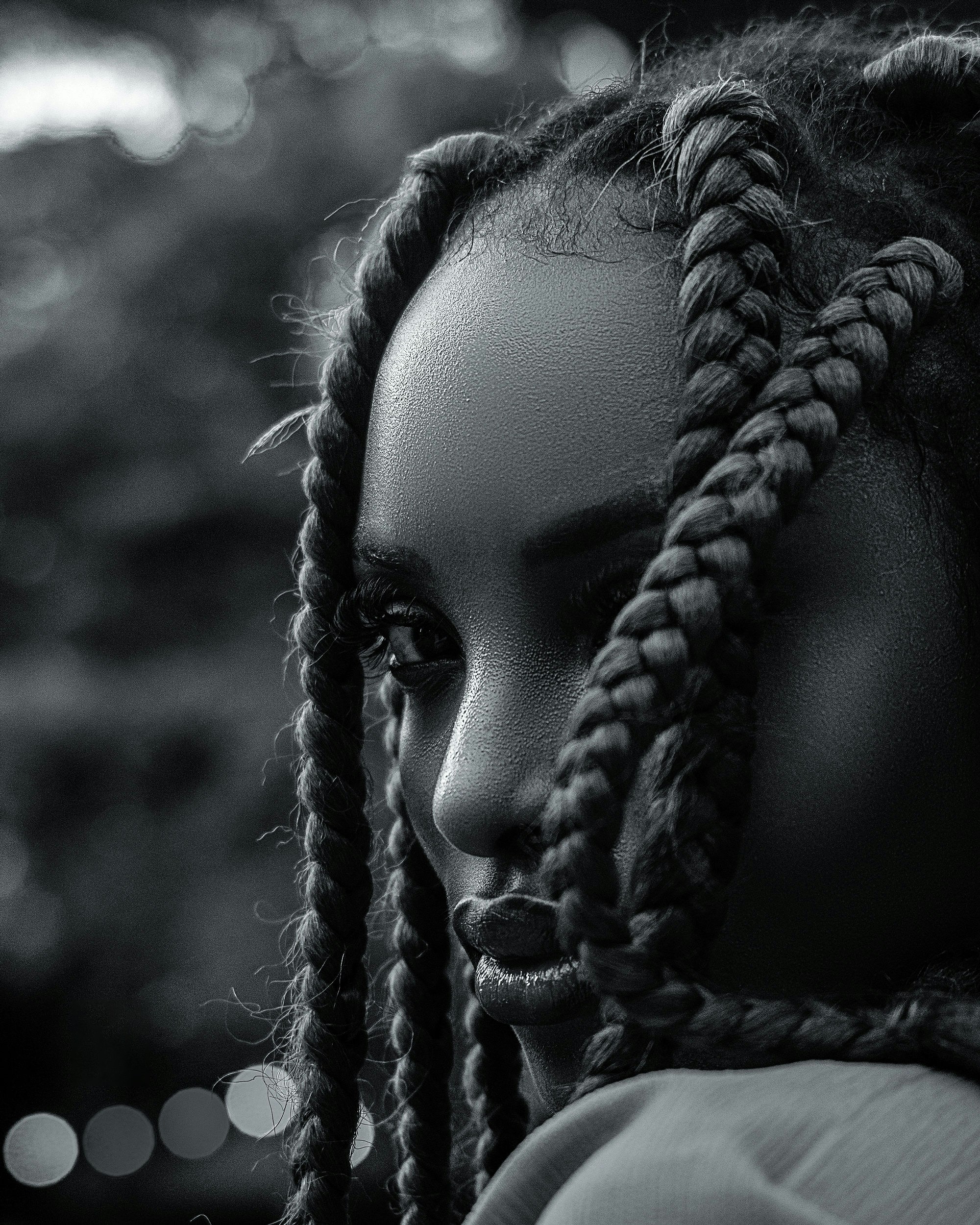

Node-based looks on every clip
Build a grade once as lift, gamma and gain nodes. Change the node and every clip using it follows.
Bring your own LUTs
Drop .cube files in and they sit beside the built-ins, previewable on the clip before you commit.
Match shots automatically
Pick a reference frame and Grade matches exposure and white balance across the rest of the scene.
Effects that stay editable.
Motion and type on the clip
Stack captions, kinetic type and 3D straight onto the footage — no plugin, no round trip.
Shaders with real controls
Every effect exposes dials, sliders and prompts, so a look is tuneable instead of baked.
Write your own block
Drop into the built-in editor when the dials run out, then reuse what you wrote like any other block.


Ship every format from one render.
Brand kits
Lock type, colour and grade into a kit so every export leaves on-brand without a checklist.

Aspect variants
Reframe once. Grade keeps the subject centred and renders 16:9, 9:16, 4:5 and square together.

Start colouring today.
Free while you are finding your look. No card, no watermark.
Explore
Product
Effects
Templates
Pricing
Socials
YouTube
X
Resources
Learn
Changelog
Plugin
Support
Legal
Terms
Privacy
Cookies
Copyright © 2026 Grade
All rights reserved.